
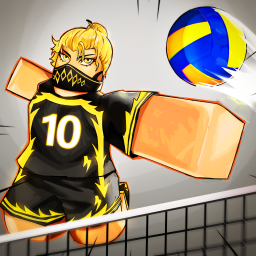
how to partial tilt
Partial tilting angles spikes using diagonal joystick inputs or camera shifts, though joystick tilting is recommended on controller.
- Partial tilting combines tilt directions and camera adjustments to achieve better angles on spikes
- On keyboard and mouse, partials are executed via diagonal inputs like W or S combined with A or D, or by shifting camera angle
- Tilting the character is mechanically distinct from shifting the camera angle, with camera shifts launching the ball higher and further
- On controller, dragging the movement joystick to diagonal angles functions as a built-in partial, making camera tilting unnecessary


