
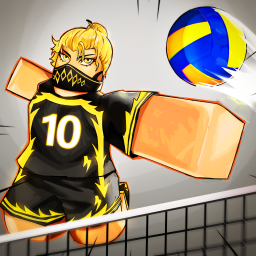
how to partial tilt spikes
Partial tilting mixes tilt angles and camera movement to control spike distance and consistently land balls in bounds.
- Partial tilting combines tilt directional inputs with camera angle adjustments to help spikes land more accurately in bounds
- Mobile and controller members can partial tilt by angling the joystick to values not divisible by 90 degrees
- Keyboard and mouse members achieve partial tilts by pressing diagonal keys (s+a/d, w+a/d) or shifting the camera angle
- Instantaneous spiking after jumping often appears like scripting or auto-spiking due to desync


